Turn Any Article, URL, or Idea Into a ChatGPT-Ready Infographic Prompt — in 30 Seconds
Stop getting ugly, generic infographics from ChatGPT. InfoPrompt Studio writes the detailed, structured prompt for you. Paste it into your own ChatGPT and get infographics that actually look designed.
Lifetime access. Instant download. 14-day refund.
What You Type vs. What You Should Type
You type
"Make an infographic about email marketing"
You get
Generic clip-art nonsense
InfoPrompt gives you
A 400-word structured prompt with format, audience, tone, layout, sections, color palette, and CTA
You get
A designer-quality infographic
The difference between a useless infographic and a client-ready one is the prompt. Writing that prompt takes 20 minutes and prompt-engineering skills you don't have. InfoPrompt Studio does it in 30 seconds.
Three Steps. Zero Learning Curve.
Paste Your Raw Input
Article, URL, sales page, PLR, product, or a one-line idea.
Pick Your Format
Social carousel, tall infographic, sales breakdown, how-to, listicle, and 17 more.
Copy → Paste into ChatGPT
Get a designer-level infographic in your own ChatGPT account.
Real Infographics Made From These Prompts
These prompts were generated by InfoPrompt Studio, then pasted into ChatGPT.
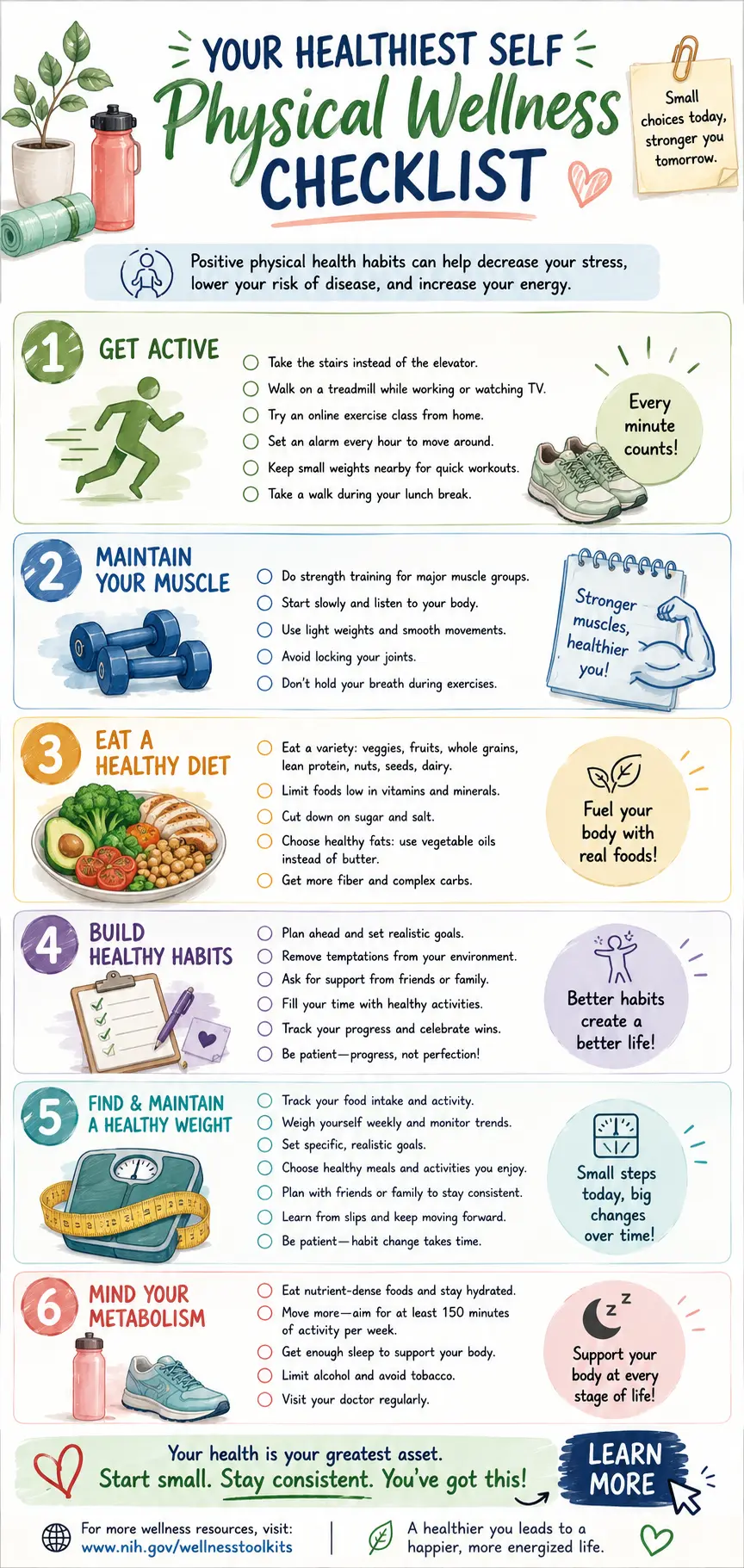
Article to Infographic
Generated from a Forbes article URL — took 42 seconds
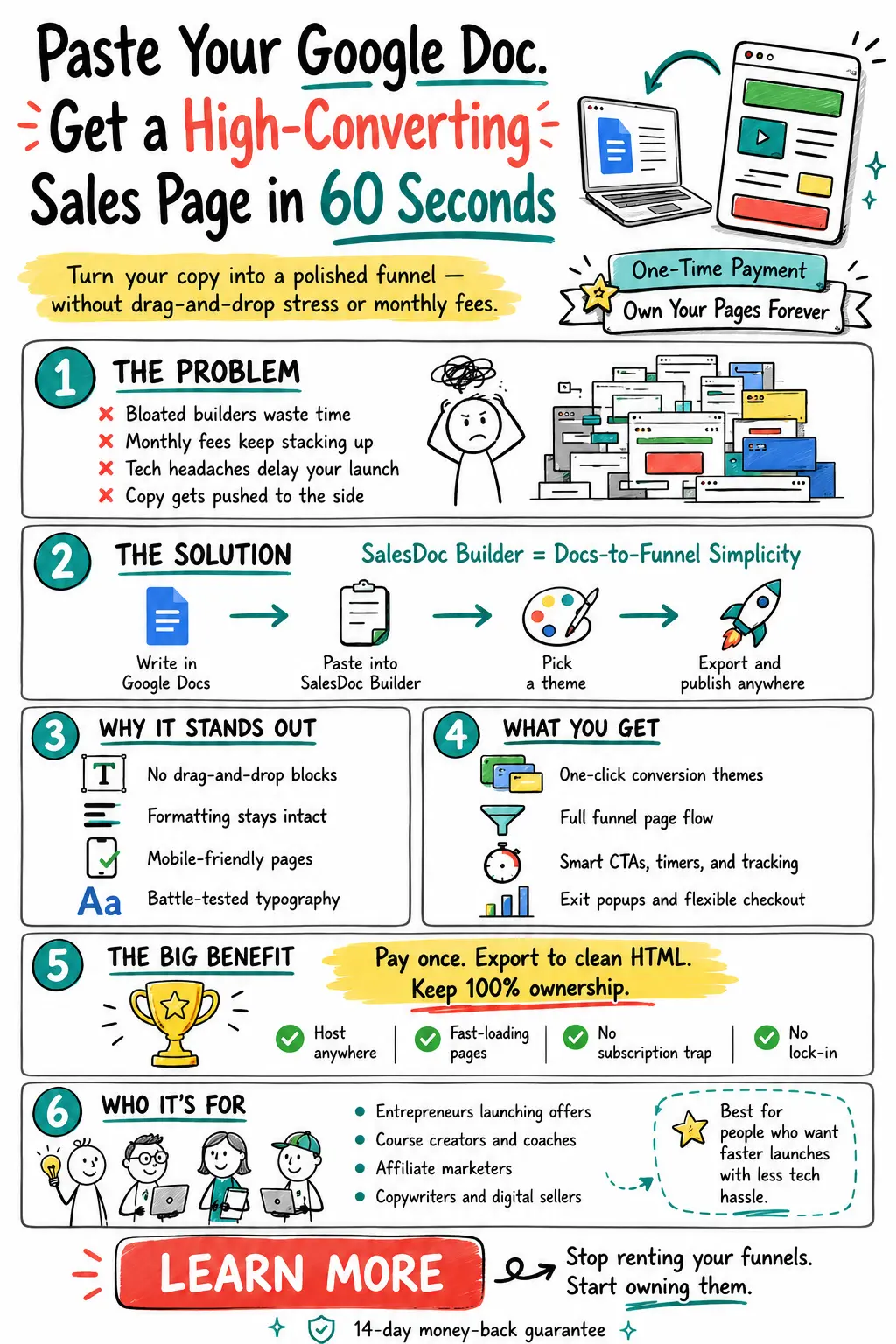
Sales Page Breakdown
Sales page breakdown for a SaaS product — used for LinkedIn
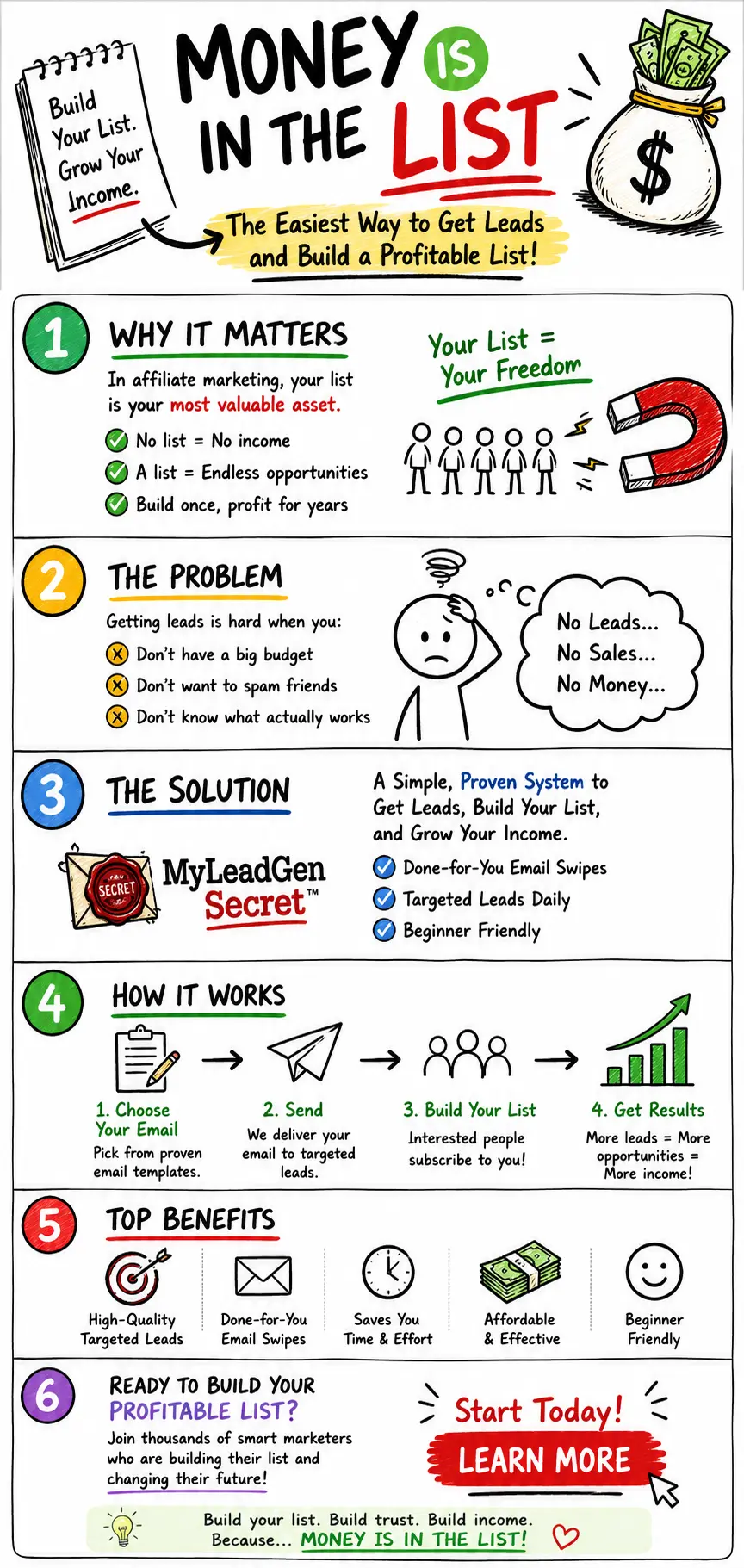
Lead Generation Concept
Lead generation concept — email marketing visual
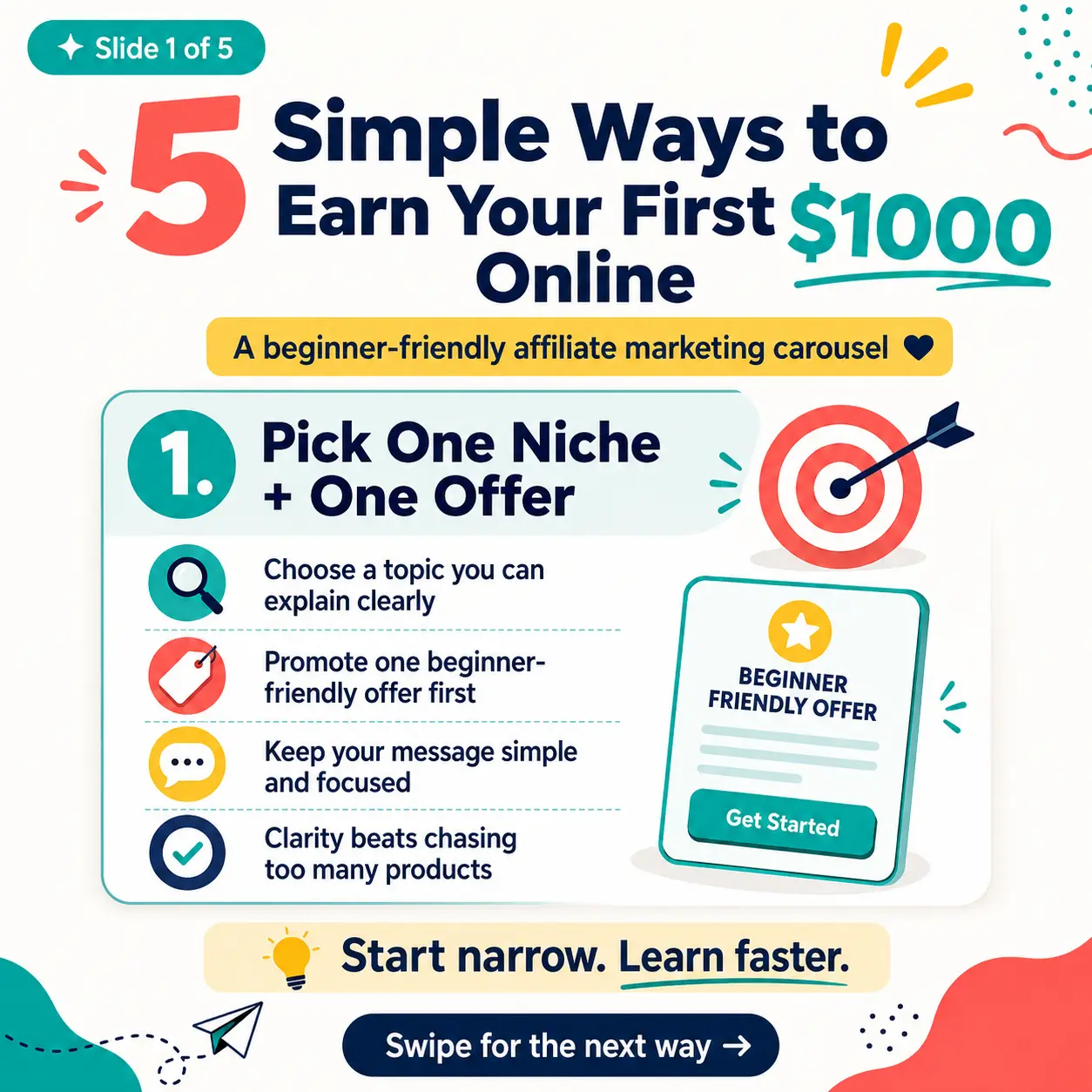
Social Media Carousel
PLR ebook converted into a 5-slide Instagram carousel
Built for People Who Sell With Content
Affiliate marketers turning reviews into shareable visuals
PLR resellers adding infographics to boost package value
Course creators making lesson summaries and lead magnets
Freelancers delivering infographic assets without hiring a designer
Social media managers producing carousels 10x faster
Bloggers turning old articles into Pinterest-ready visuals
Everything You Get for $7 (One Time)
Today
$7 one-time
⚡ Launch Special ends soon — price goes to $27
Secure checkout · 14-day refund · Instant access
Zero Risk. Try It. If It Doesn't Save You Hours, I'll Refund Every Cent.
If InfoPrompt Studio doesn't produce prompts that make your ChatGPT infographics 10x better within 14 days — email me and I'll refund your $7. No forms, no questions.
Frequently Asked Questions
Do I need ChatGPT Plus?
Does this generate images inside the app?
Do I need an API key?
What if ChatGPT can't make the image?
Can I sell what I create?
Are results guaranteed?
Can I use article URLs?
What kind of content can I use?
Is this a Canva replacement?
Stop Guessing. Start Pasting.
Your next infographic is 30 seconds away.
Instant access · Lifetime license · 14-day money-back guarantee